Apps and templates
One app running in production and eight UI templates agents use most, all written with the Manh framework. Click a template to open it in the Playground and edit the code.
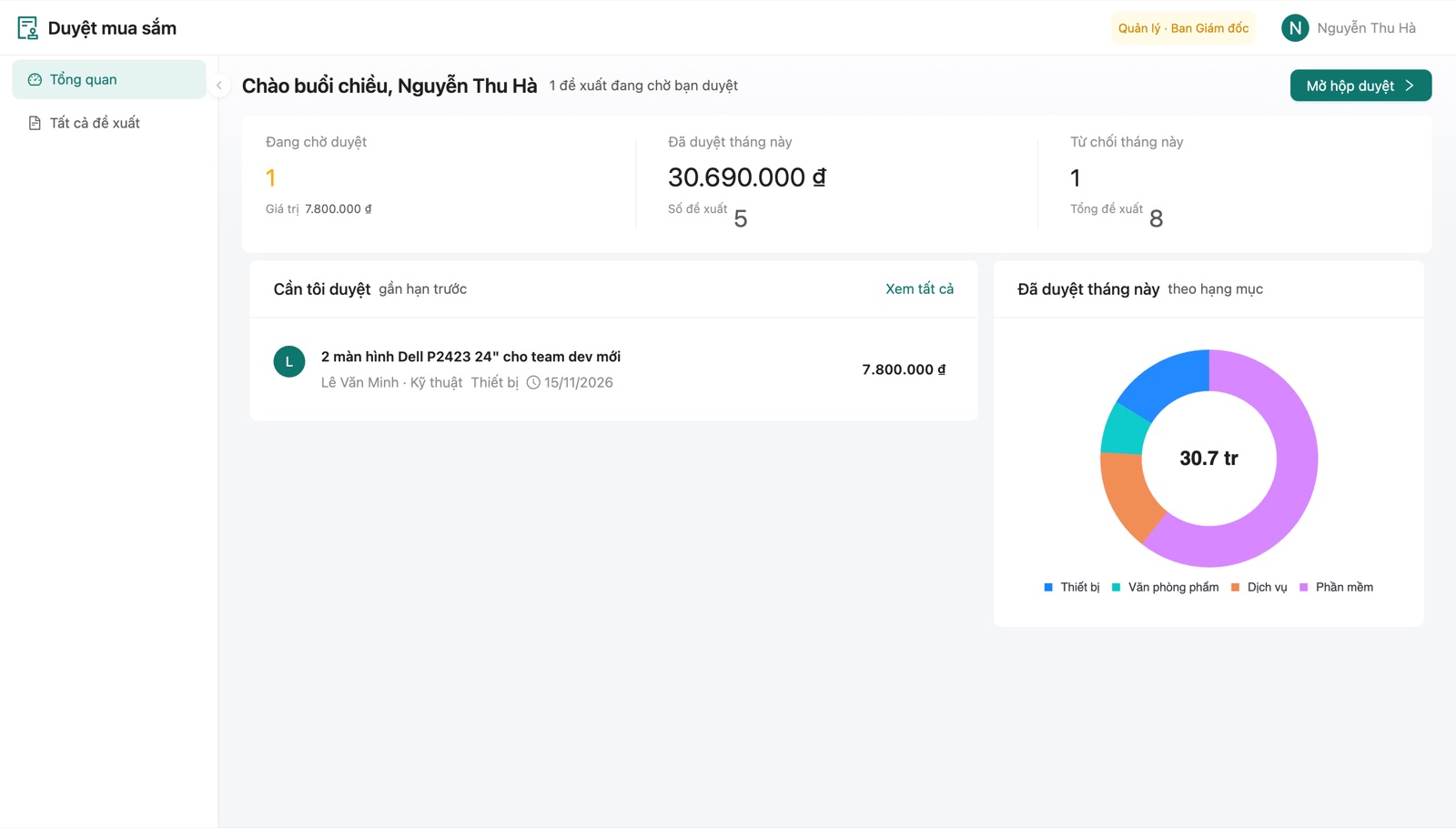
Purchase approvals
● LiveStaff file purchase requests, managers approve several at once, and a dashboard adds them up by category. An agent wrote it from a spec; it runs on manh.run.
Try it: manager@eval.test / Eval#2026
ProLayoutProTableChartsDBJWTOpen app →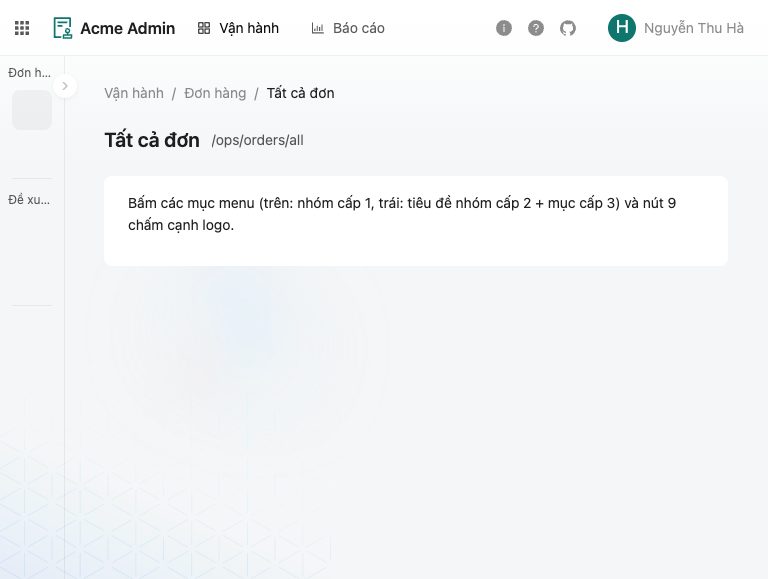
ProLayout app shell
ShellMulti-level menu, app switcher and user avatar. Every app starts from this shell.
ProLayoutPageContainerEdit in Playground →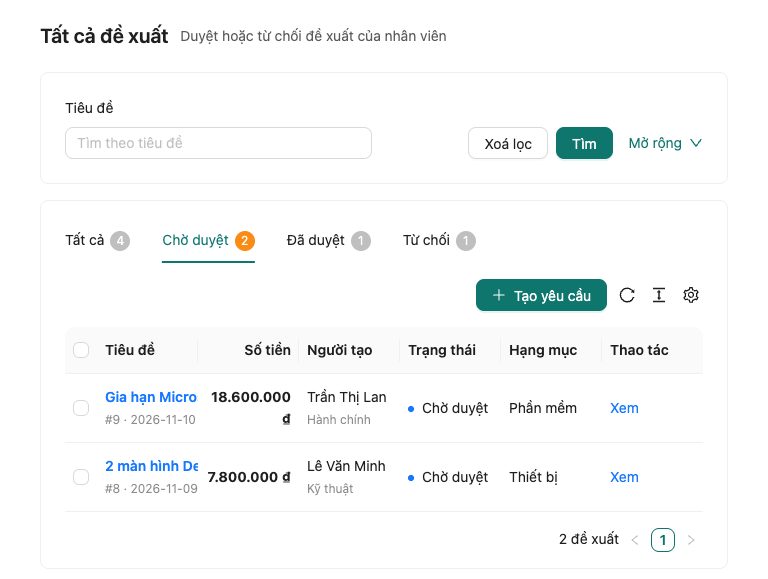
ProTable list
ListsSearch form, status tabs with counts, bulk selection and server-side paging.
ProTablevalueEnumEdit in Playground →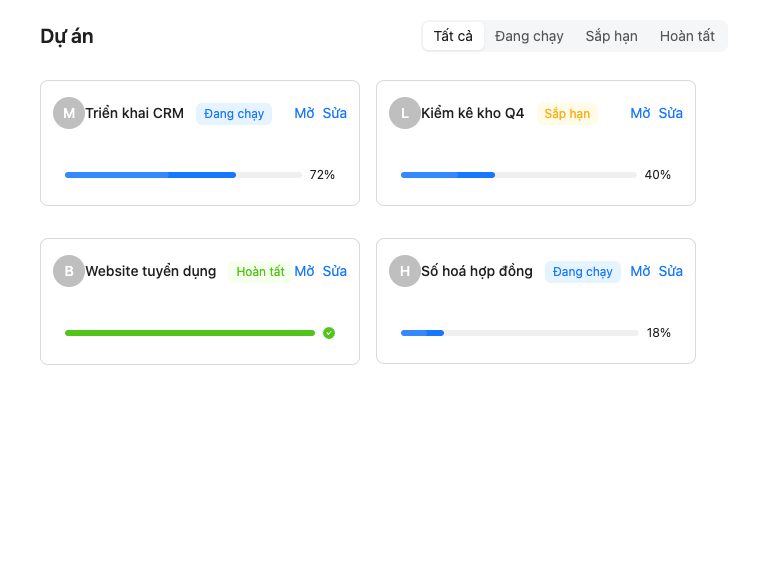
Card list
ListsA card grid with tags, progress and hover actions.
ProListPageContainerEdit in Playground →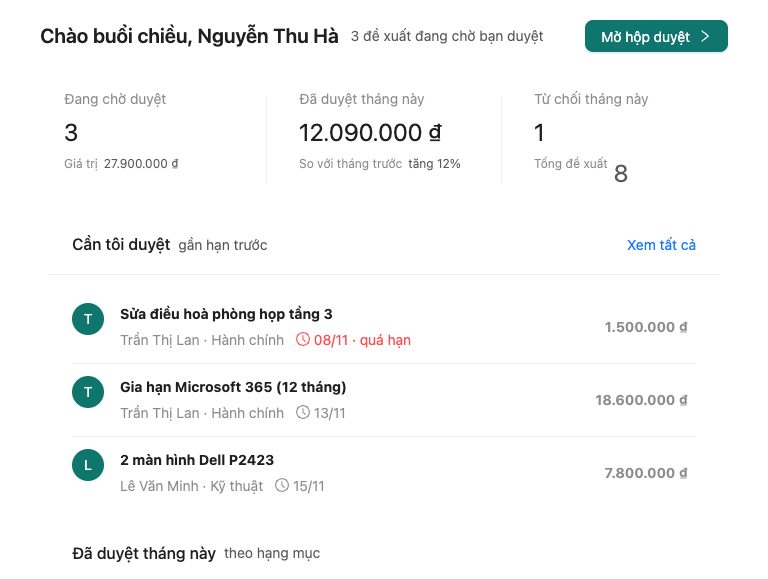
Dashboard
DashboardsMonthly KPIs, a to-do list sorted by deadline and a donut chart by category.
StatisticCardProListPieEdit in Playground →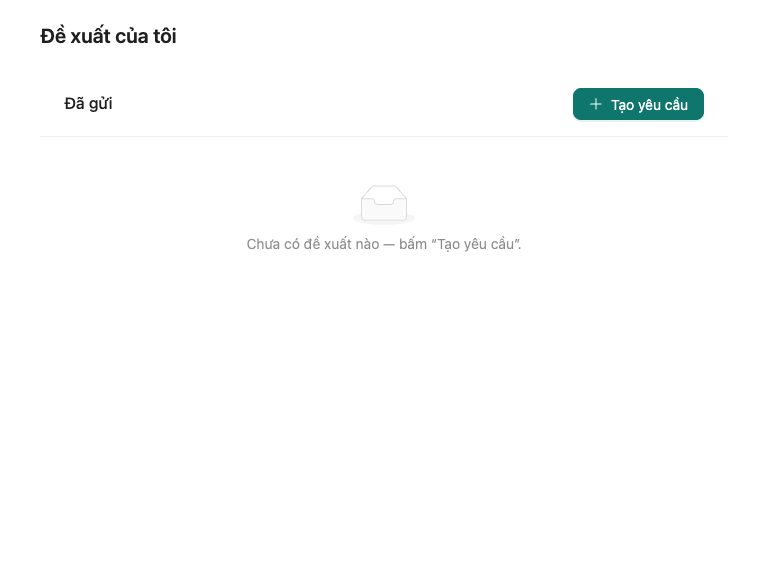
Drawer form
FormsCreate and edit records in a drawer, with validation and a guided empty state.
DrawerFormProFormEdit in Playground →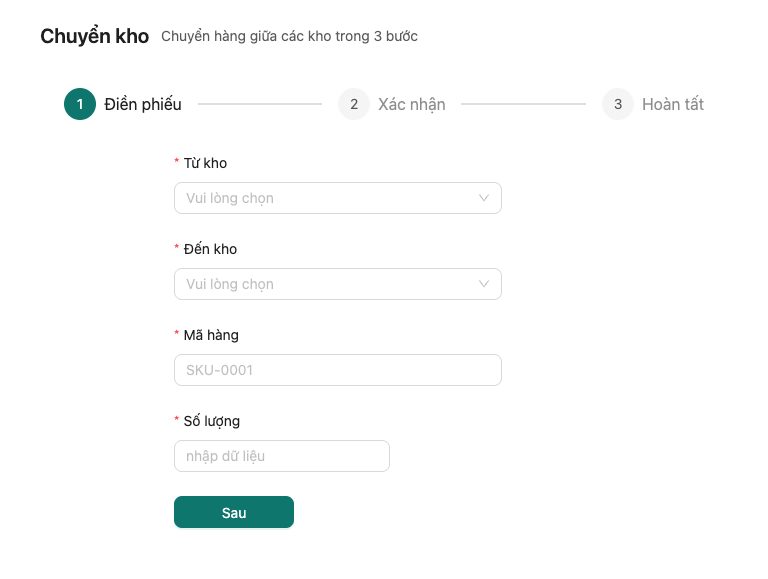
Step form
FormsA 3-step stock transfer: fill in, confirm, done.
StepsFormEdit in Playground →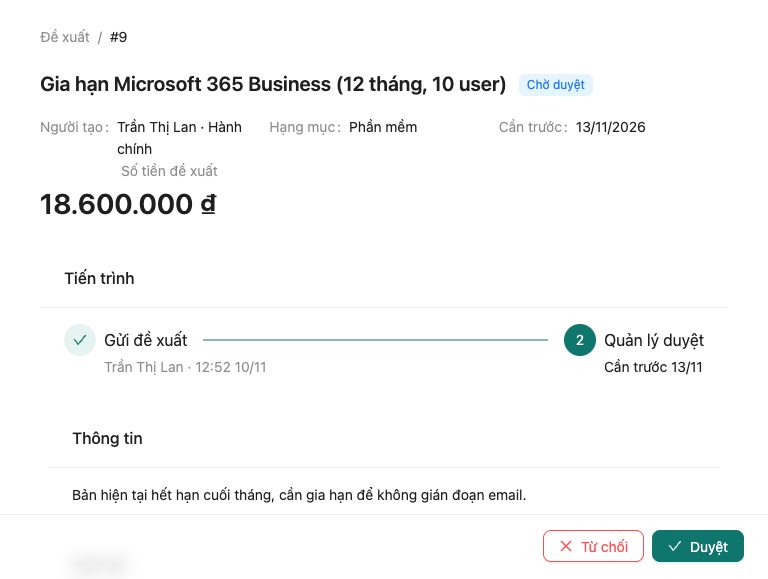
Detail + approval
DetailsRecord details, change history and approve / reject with a reason.
ProDescriptionsTimelineModalFormEdit in Playground →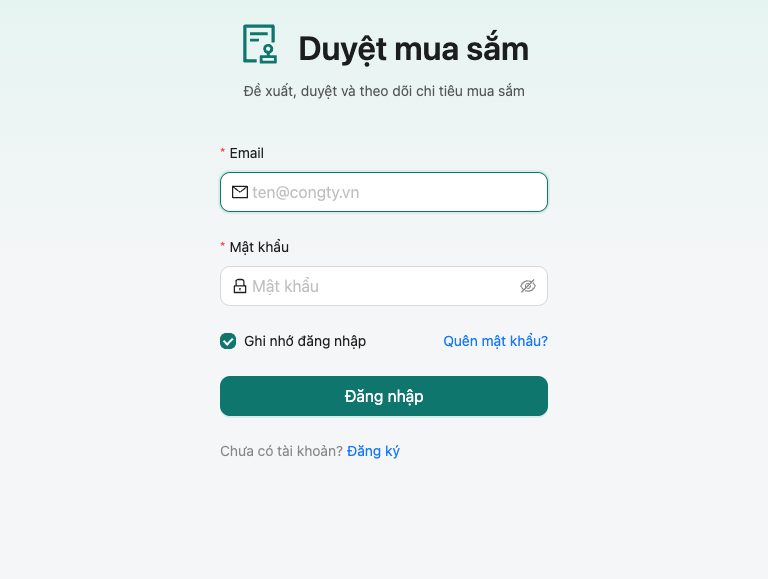
Sign in
AuthEmail and password sign-in that returns a JWT. Included when you create a project with the auth starter.
LoginFormJWTEdit in Playground →
Use manh.run from ChatGPT, Claude or Claude Code
Add manh.run as an app (MCP, OAuth sign-in). Your agent calls manh.run tools to write files, run checks and deploy. manh.run has no AI of its own. It only receives the tool calls your agent sends, not your chat.
Add manh.run
ChatGPT: Settings → Apps → add manh.run (or a connector with URL https://mcp.manh.run). Claude: Settings → Connectors. Claude Code: the command below.
Sign in
Sign in to your manh.run account once (OAuth). Your agent only sees your projects.
Ask your agent
Describe the app you need. Your agent writes the spec and the code, runs check and deploys to your-app.manh.run.
https://mcp.manh.runclaude mcp add --transport http manh https://mcp.manh.runExample prompts
- Build a leave-request app: staff submit, team leads approve, with a monthly dashboard.
- Add a weekly revenue report page to my sales app and deploy it.
- Read the new user feedback on my inventory app and fix the bugs they reported.
- Email a reminder every Monday at 8am to anyone with overdue tasks.
- Roll my app back to the version before yesterday's deploy.
MCP tools
| Tool | What it does | Kind |
|---|---|---|
framework_docs | Read the Manh framework docs and the spec process | Read-only |
list_projects · get_project | List your projects and their status | Read-only |
create_project | Create a project (with an auth starter) | Writes |
list_files · read_files | Read the app/ and spec/ tree | Read-only |
write_files | Write or patch files; check runs at once | Writes |
check | Validate code against Manh's rules, with fixes | Read-only |
deploy | Ship UI + API to {slug}.manh.run | Writes |
checkpoint · restore_checkpoint | Save and roll back code versions | May overwrite |
db_query | Query the app DB (snapshot before destructive SQL) | Writes |
logs · cron_jobs · cron_runs | Read Worker logs and cron runs | Read-only |
env_set · env_list | Set secret environment variables | Writes |
feedback_list · feedback_update | Read and answer app users' feedback | Writes |